
 Brazil
 Latin
America
Latin
America USA &
Canada
USA &
Canada Australia
 China
China India
India Indonesia
 Japan
Japan Korea
Korea Taiwan
 Vietnam
 Austria
 France
 Germany
 Italy
Italy Netherlands
 Other
Europe
Other
Europe Poland
 Russia & CIS
 Spain
Spain Switzerland
 United Kingdom
 Saudi Arabia
  Turkey
 Israel
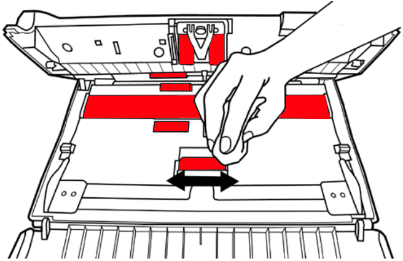
1. Wipe the indicated area in RED with the cleaning cloth included with the product and try again.
 Click to enlarge image
×
1. Wipe the indicated area in RED with the cleaning cloth included with the product and try again.
Click to enlarge image
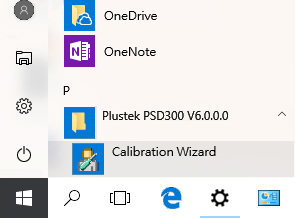
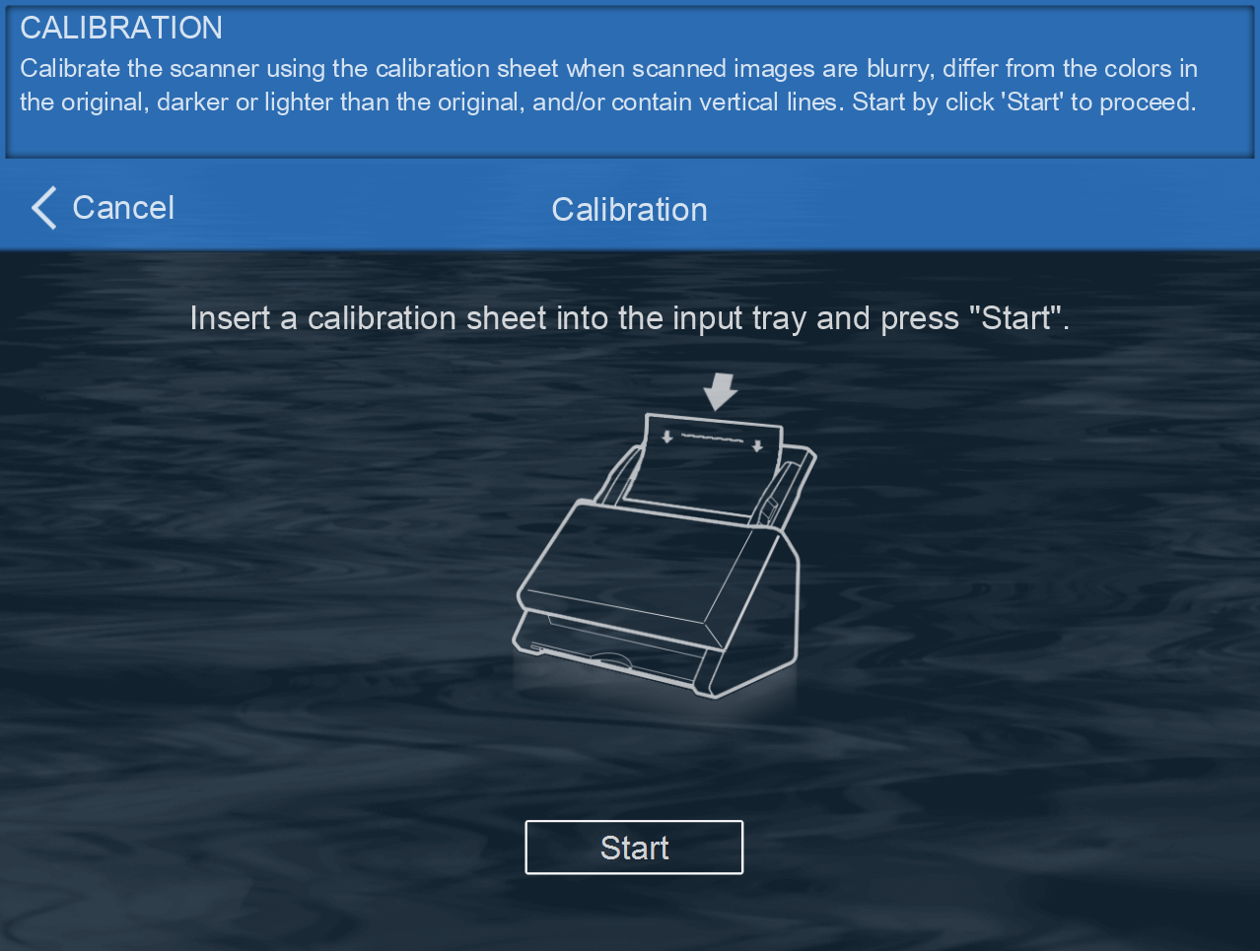
2. If the issue still remains, please try performing scanner calibration from the Calibration Wizard or under software (eConnector) System Settings > Device Information > Calibration interface.
 Click to enlarge image
 Click to enlarge image

