
 Brazil
 Latin
America
Latin
America USA &
Canada
USA &
Canada Australia
 China
China India
India Indonesia
 Japan
Japan Korea
Korea Taiwan
 Vietnam
 Austria
 France
 Germany
 Italy
Italy Netherlands
 Other
Europe
Other
Europe Poland
 Russia & CIS
 Spain
Spain Switzerland
 United Kingdom
 Saudi Arabia
  Turkey
 Israel
1.Please make sure the power cord and USB cable (Recommend to connect directly to the computer, avoid using USB hub) are connected properly and check your PC is able to access the Internet.
2.Install driver and bundled software-iKnow from our website.The website download link attached as below: MobileOffice D620 With iknow Support Then unzip the download file then execute Plustek_Hotel_PMS_Solution_LDSetup.exe to install.
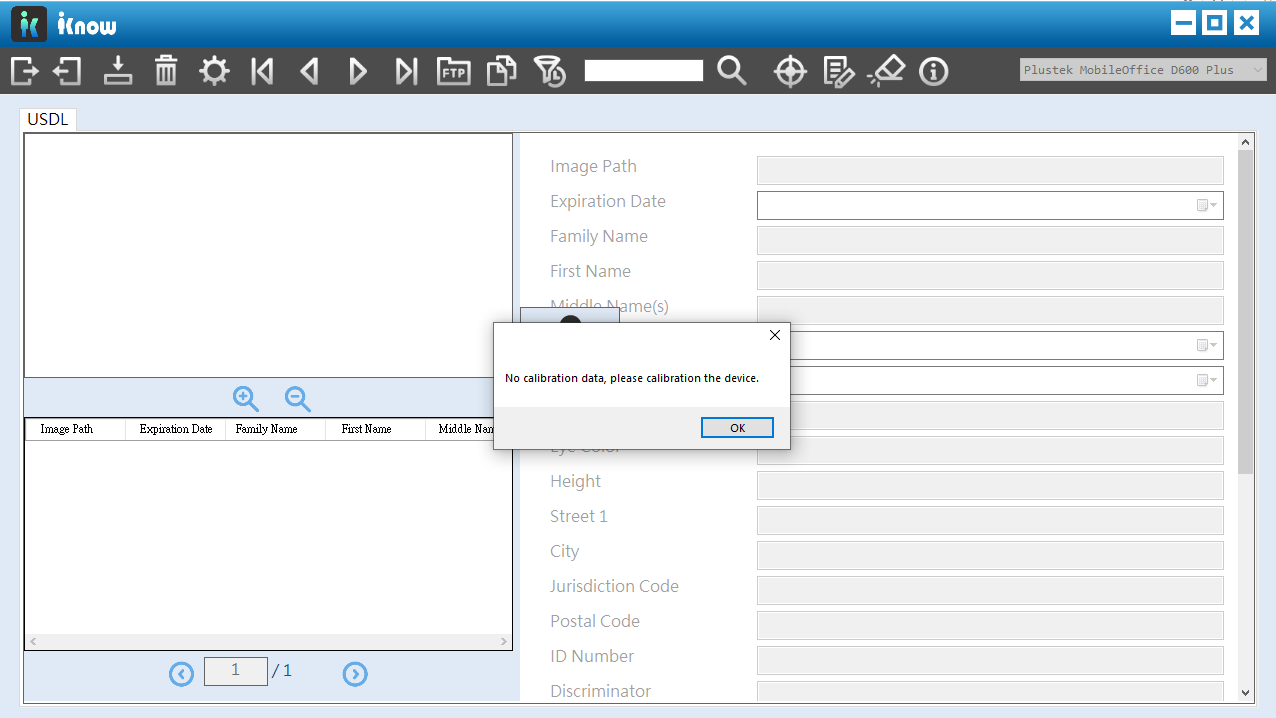
3. After installation, double click iKnow software, a pop up window will show "no calibration data", please click "OK" to start calibration process.
 Click to enlarge image
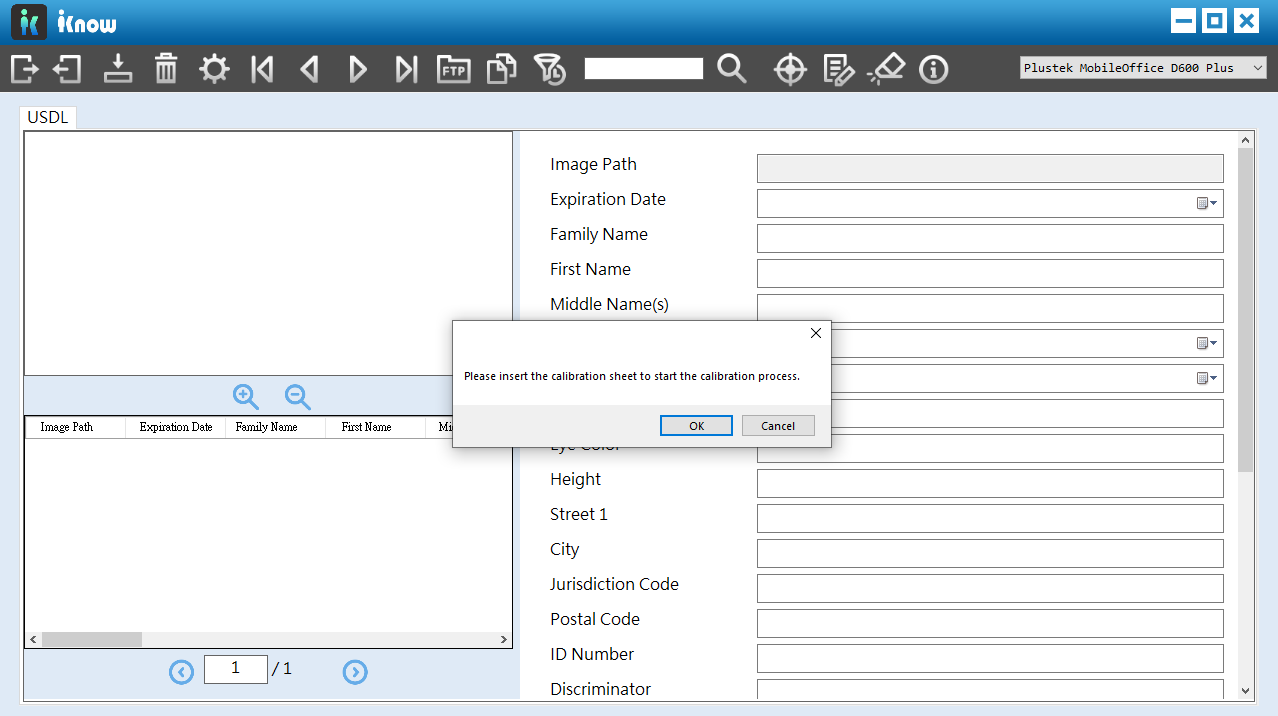
4. The calibration wizard will walk you through the entire calibration process, please follow the instruction on the screen.
 Click to enlarge image
