DocAction Plus offers you quick access to the most frequently-used scanning functions in two ways. They are especially useful when you need to repeatedly scan with the same settings and send images to the same destination. |
• |
Scan from the buttons on the scanner front panel |
• |
Scan from DocAction Plus's Execute menu on the screen |
|
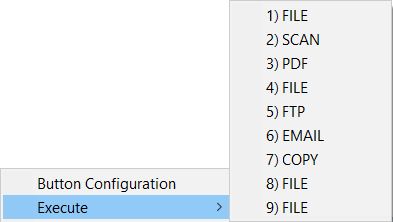
Buttons on the scanner front panel will be used in this guide to demonstrate the scanner operations. You may also use DocAction Plus's on-screen Execute menu to perform the same scanning tasks. |
|

|
|